What Do The Gallery Emails From Headshot Tools Say?
There are three different types of gallery emails that Headshot Tools will send. Each of these emails is automatically determined by Headshot Tools based on where the participant is within their Shoot. For more info on this and how to send emails, see our
How To Mass Notify Participants help guide.
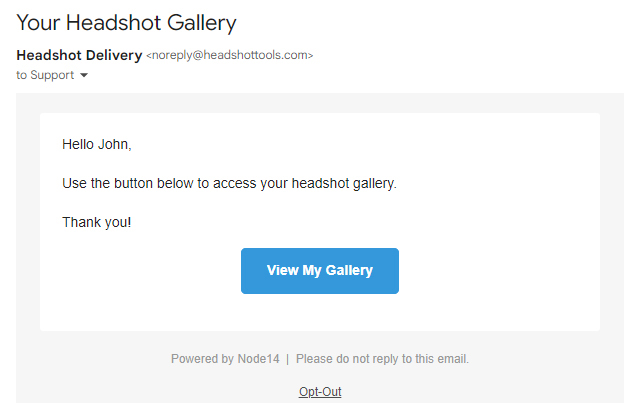
Normal Gallery Email
This email is sent to participants when they have no actions to perform. For example, they don't need to make any retouching selections and they have no retouched images.
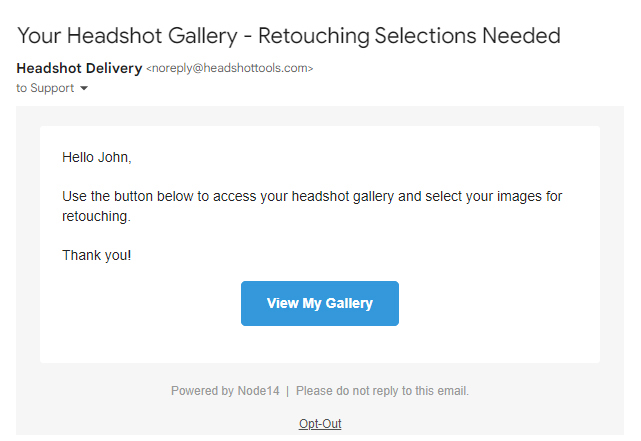
Selections Needed Email
This email is sent to participants when they have yet to make their retouching selections. This email will automatically morph to singular or plural versions depending on the job's retouch selection limit.
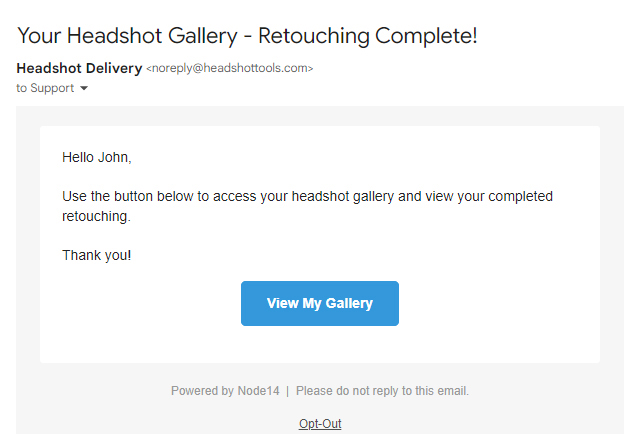
Retouching Complete Email
This email is sent to participants when they have retouched images within their gallery.
What Do The Scheduling Emails From Headshot Tools Say?
There are three different types of scheduling emails that Headshot Tools will send. These emails are sent for you automatically upon actions being performed in the system. See below for more.
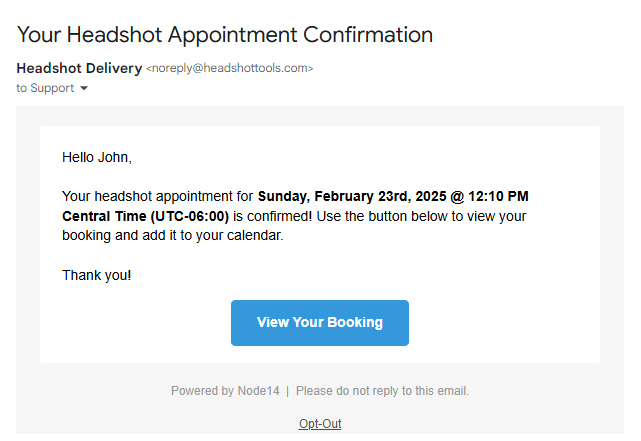
Confirmation Email
This email is sent to a participant automatically by the system when they successfully book a slot.
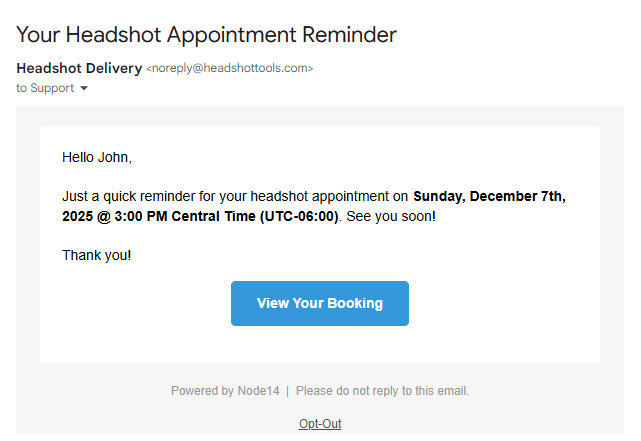
Reminder Email
This email is sent to a participant automatically 24-25 hours ahead of a participant's appointment by the system. To prevent annoying participants who recently booked, this reminder email will be skipped if a participant books within 8 hours of the time that the email reminder would have been sent. Additionally, the reminder email will be skipped if the participant is already double-clicked or the participant
opted out of emails when the email reminder would have been sent.
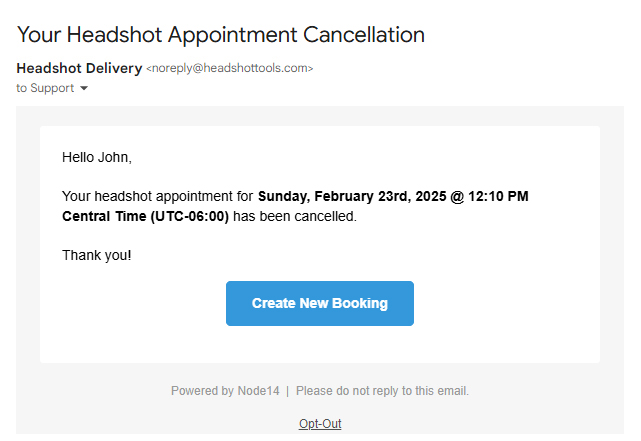
Cancellation Email
This email is sent to a participant automatically by the system when you cancel a booking for the participant. This email will only trigger when the slot's date and time are in the future. If a participant's appointment is in the past, cancelling their appointment will not trigger this email. Participants who cancel their own appointments will not receive this email.
Common Issues / Questions
Can I customize the emails that get sent?
Headshot Tools does not allow customization of the email contents or modification of who the email is coming from. We do this for many reasons:
- To ensure the deliverability of emails is always the highest it can be.
- To keep costs for you low so you don't have to buy a third-party email service/API.
- So there is zero setup needed for you to start sending emails.
- And many more!
We instead allow you to customize your gallery so your messaging can be as close to your participant's images as possible!
Also, Headshot Tools emails automatically morph their content depending on the state of the shoot so you don't have to worry about the content. See above for more info.
What email address do the emails get sent from?
All emails are sent from: Headshot Delivery - noreply@HeadshotTools.com
Headshot Tools does not allow for customization of this email, name, or reply-to setting.
What does clicking "Opt-Out" do?
See our email opt out help page here.
Other Questions?
If you have any other questions, please contact Support@HeadshotTools.com
